Building Robots, Confidence, and Creativity—
Right in Our Community
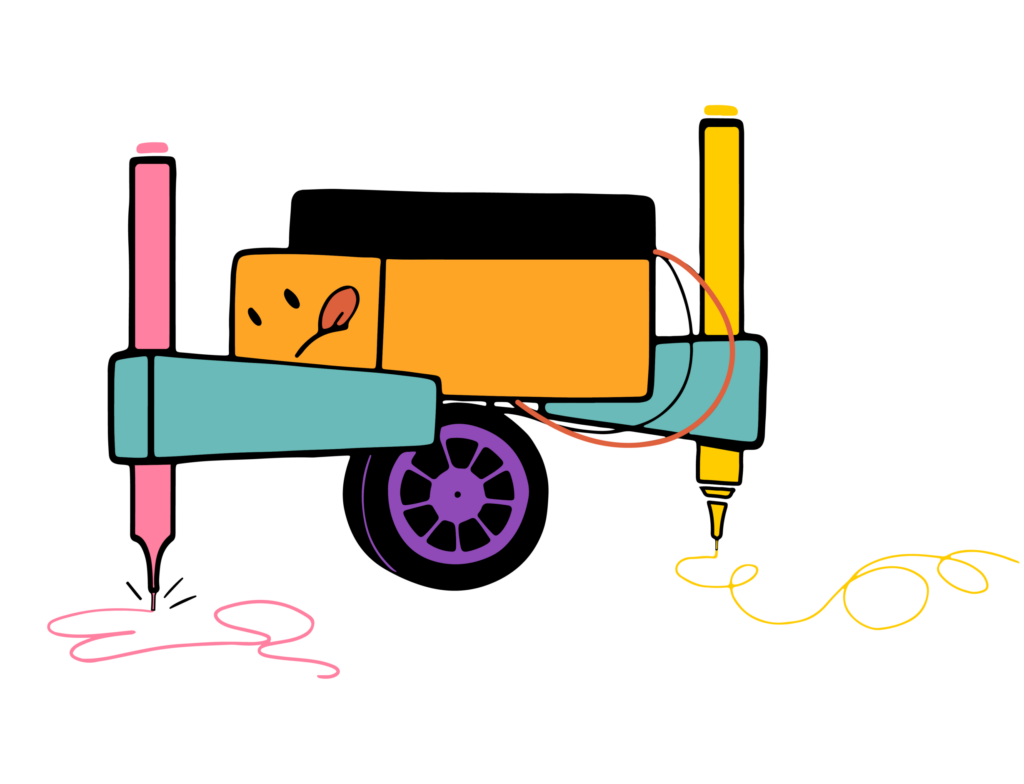
We bring hands-on, screen-free STEAM experiences to schools, community spaces, camps, and celebrations throughout South Queens and South Nassau.
Kids build real moving robots, explore how things work, and use their imaginations to make every creation their own. Along the way, they develop problem-solving skills, confidence, and the courage to keep trying—even when something doesn’t work the first time.
Nice to Meet You!
We’re Symone and O’Shane Dell, the husband-and-wife team behind Brooklyn Robot Foundry South Queens & South Nassau.
As parents and members of the community, we understand how important it is for children to have opportunities to learn beyond the traditional classroom. Every child learns differently, and sometimes the activity that looks like play is the one that sparks a lifelong interest.
That belief is what drew us to Brooklyn Robot Foundry. We loved its creative, hands-on approach to engineering and technology—and the freedom it gives children to experiment, make mistakes, solve problems, and build something they’re genuinely proud of.
More Than a Robot
Our builders leave with much more than a cool project.
They leave knowing that they created something with their own hands. They learn that there can be more than one way to solve a problem, that mistakes are part of the process, and that their ideas are worth exploring.
The robot they take home is both something fun to play with and a reminder of what they’re capable of creating.
We Bring the Robots to You
Brooklyn Robot Foundry is mobile, so we bring the experience directly to your school, organization, camp, community space, home, or party venue.
We arrive with the instructors, robot kits, tools, and creative materials needed to get everyone building. You provide the space, and we bring the robot fun!
What We Offer: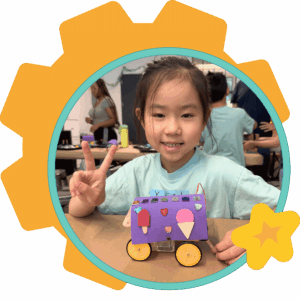
After-School Classes
Weekly robot-building programs at schools and partner locations.
In-School Enrichment
Single workshops, recurring residencies, STEAM days, and other hands-on learning experiences.
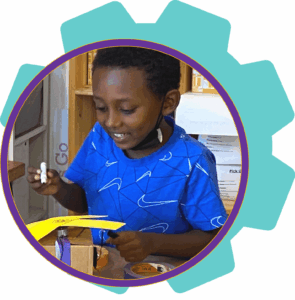
Foundry Fundays
Creative, robot-filled programs offered when schools are closed.
Summer Circuits
Summer programs filled with robots, games, crafts, movement, and new friends.
Parties and Special Events
Memorable robot-building experiences for children, families, and adults.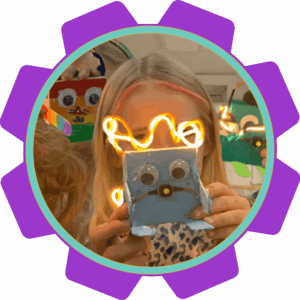
Mini Makers
Age-appropriate robot-building experiences for our youngest builders and their grown-ups.
Scouts and Youth Groups
Creative group programs, including opportunities to support badge requirements.
Proudly Serving South Queens & South Nassau
Brooklyn Robot Foundry brings hands-on, screen-free robot-building programs to schools, organizations, community spaces, camps, homes, and party venues throughout our territory.
South Queens Communities
We serve all or parts of:
Cambria Heights | St. Albans |Laurelton | Springfield Gardens | Rosedale | Howard Beach | Lindenwood | Kew Gardens | Ozone Park | South Ozone Park | Richmond Hill | South Richmond Hill | Woodhaven| Hollis | Jamaica | Jamaica Estates | Hillcrest | South Jamaica | Rochdale Village | Briarwood |Far Rockaway | Edgemere| Arverne | Broad Channel |Rockaway Beach | Rockaway Park | Belle Harbor | Neponsit | and Breezy Point.
South Nassau Communities
We serve all or parts of:
Elmont | Alden Manor | Meacham |Franklin Square | Inwood | Atlantic Beach | Baldwin | Baldwin Harbor | North Baldwin | Cedarhurst | East Rockaway |Bay Park | Freeport | West Hempstead |Lakeview |East Meadow | Hewlett | Hewlett Bay Park | Hewlett Harbor | Hewlett Neck | Island Park | Harbor Isle | Lawrence | Long Beach | East Atlantic Beach | Lido Beach | Lynbrook | Malverne | Malverne Park Oaks | Merrick | North Merrick | Rockville Centre | Oceanside | Roosevelt | Valley Stream | North Valley Stream | South Valley Stream | Gibson | Woodmere | North Woodmere | Woodsburgh | Bellmore | North Bellmore | Levittown | Island Trees | Seaford | and Wantagh.
Not sure whether your school, organization, or event location is within our service area?
Contact us with the ZIP code, and we’ll be happy to confirm!
Stay Up to Date
Don’t miss out on anything!
Learn about upcoming classes and special offers by sign up for our mailing list HERE.
Contact Us
Phone: 516-234-5430
Email: [email protected]
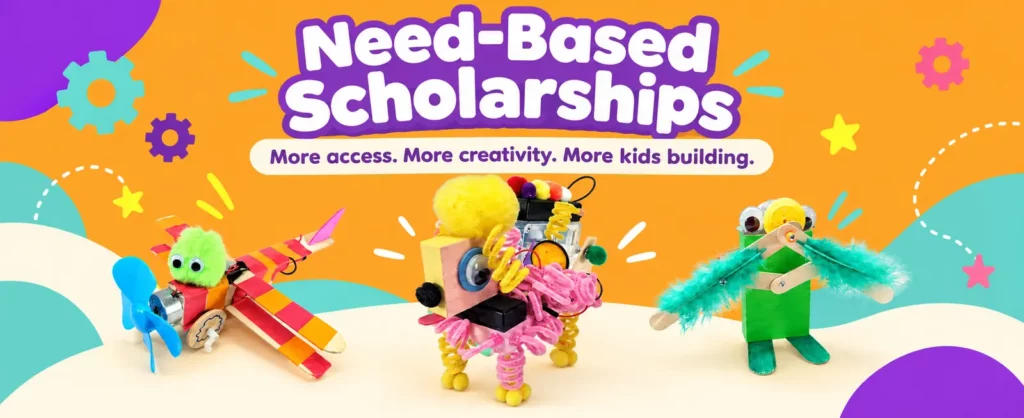
When funding is available, we offer a limited number of need-based scholarships on a first-come, first-served basis. Scholarships cover the full program fee. Families are responsible only for materials and extended stay fees, when applicable.
We do not require income verification or financial documentation. We operate on the honor system and trust families to request assistance when the regular program fee would otherwise make participation difficult.